Screen Time Research on Educational App Use in Ages 4–8
Quality matters more than minutes when educational apps teach young learners.

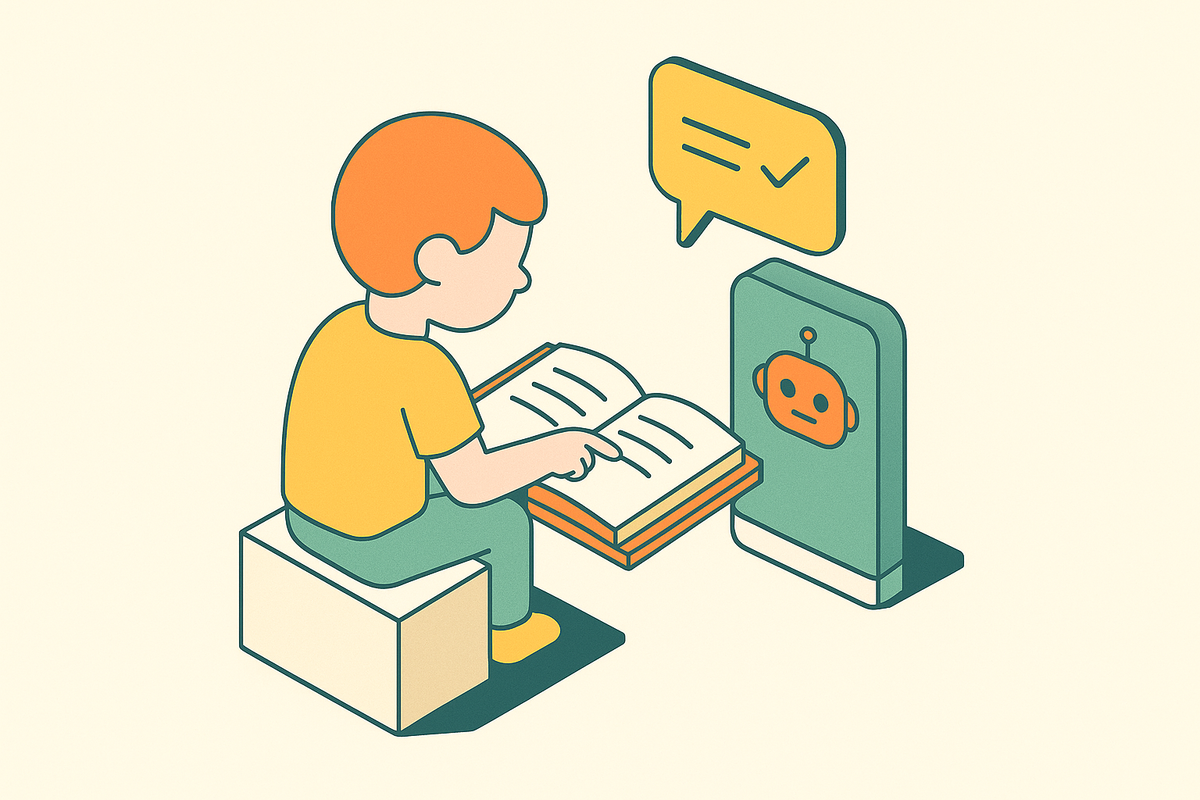
Screen time research on educational app use in ages 4–8 points to a practical conclusion. Learning depends more on what a child does with an app than on the minutes spent using it: active, adaptive instruction can support learning, but most apps marketed as educational do not meet that standard.
How much screen time children ages 4–8 actually get, and what they use it for
Children ages 4–8 already use screens for a wide mix of activities. Screen time research published in 2025 found that total daily use among the broader 0–8 age group had stayed about the same in recent years. What changed was the composition, with less live TV and more short-form video, gaming, and interactive content. Watching a video and working through a skill are both screen use, but they are not the same activity.
The Pew Research Center’s May 2025 survey of 3,054 U.S. parents of children ages 12 and younger found that nine-in-ten said their child watches TV. Majorities also reported tablet and smartphone use. Educational apps are part of this picture, with a majority of parents of children ages 2–8 reporting that their child used them over the summer, a figure that rose year over year. These findings cover different age ranges, so they do not supply a single daily total for ages 4–8.
Why the type of interaction — not the total minutes — determines whether screen time helps or hinders development
Using screens to interact and build skills affects how children think and learn differently from watching passively, even when they spend the same amount of time. A 2025 study in JAMA Network Open found that higher total screen time and TV/digital media time were each associated with lower reading and math achievement scores in elementary school. That finding matters, but it does not establish that every app experience has the same effect. Nor does it show that app format alone caused those differences.
Research on toddler touchscreen use also links heavy use to faster orienting toward distractions and a weaker ability to disengage attention. These findings concern younger children, so their relevance to educational apps for ages 4–8 is indirect. They nevertheless make attention itself part of the discussion, rather than treating every occupied minute as productive.
The UK government’s Early Years Screen Time Advisory Group (EYSTAG) made the broader distinction explicit in March 2026. It preferred “screen use,” which accounts for content, co-viewing context, and interaction, over “screen time” as a raw measure. EYSTAG concluded that high-quality digital content can support early learning, but cannot replace responsive adult-child interaction.
What health bodies actually recommend for this age group, and where the guidance runs out
The American Academy of Pediatrics (AAP) and World Health Organization (WHO) recommend no more than one hour per day for children ages 2–5, consisting of high-quality, age-appropriate content. Even this limit is not just a rule about duration.
For children ages 5 and older, major health bodies set no such firm limit. The emphasis shifts toward content quality and self-regulation, leaving parents without a simple numerical answer for much of the 5–8 range. The lack of a limit reflects how hard it is to judge screen use and gives no reason to assume all use is harmless. Educational screen use can be beneficial, but its value depends on the activity.
EYSTAG’s March 2026 report took a precautionary stance where evidence was uncertain. It recommended that screen use in under-fives complement rather than replace face-to-face interaction and play, and noted the enormous developmental range even within that group. This guidance sets a boundary around an app’s role. It does not tell parents which app deserves to fill it, and an app store ranking cannot settle that question.
Why most apps marketed as educational do not clear the bar that genuine learning requires
The market’s central problem is that “educational” describes a sales category more reliably than an instructional standard. Educational apps are among the largest categories in both major app stores, but scale has outrun quality assurance. Research finds that many use sounds, images, and effects to capture attention without providing much substantive teaching. Those features can distract a child from the task. Being absorbed in an app is not evidence of learning.
Parents rely heavily on user reviews and app store rankings, while teachers prioritize curriculum alignment and developmental appropriateness. This is an information problem. People can like an app without proof that its lessons build a skill.
The strongest defense of these apps is understandable. Parents choose them because they want something better than passive TV, and an educational-looking activity seems like a step up. But an entertainment reward loop with no skill progression is not necessarily better than the play or adult-mediated reading it may crowd out. EYSTAG’s support for high-quality content does not mean it supports everything with that label. The standard has to be what the child learns.
What genuine reading instruction looks like, and why it rules out most passive app experiences
Reading provides a concrete test of that standard because it is a taught, sequential skill. The Science of Reading centers on systematic phonics, which teaches how sounds and letters connect so children can decode words accurately. That foundation supports fluency, which in turn enables comprehension. An app needs to teach these connections and establish where the child is struggling.
For emergent bilinguals, an integrated approach that embeds decoding within structured vocabulary and oral language development is especially effective. Multilingual households therefore need broader instruction built on that phonics foundation. A tool needs to support the desire to read as well as the ability to do it.
For an app, those demands are substantial. It must put phonics instruction in order, check where the child is now, and change what comes next to fit. Without those steps, it cannot reliably tell what the child has mastered and what still needs teaching. A passive reading experience may involve books or words, but that does not make it a reading teacher. The dividing line is instruction that responds to the learner.
What genuine math instruction looks like for ages 4–8, and why early numeracy is more complex than counting
Early math has a developmental sequence too, and counting is only part of it. Its milestones include number-word sequence, mapping numerical symbols onto quantities, cardinality, ordinality, and basic arithmetic. Research on early numeracy places the typical acquisition of these milestones between ages 2 and 6. Early mathematical competency is also one of the strongest predictors of later academic achievement. That makes the preschool and early elementary years an important window for building foundations.
Research tracking numeracy growth finds strong gains through kindergarten, followed by flatter growth in Grade 1. The kindergarten year therefore carries particular weight. Number knowledge also develops with mathematical language. Research following children from ages two-and-a-half to four finds reciprocal developmental relations between the two from age three onward. An app that separates numbers from the language used to understand them misses part of how those skills grow.
Family circumstances matter here as well. Loughborough University and three Italian universities followed nearly 130 children over five years and found that parents’ anxiety about mathematics can harm their children’s early numeracy. Parents who feel uneasy about math may find engagement harder, even when they want to help. A math tool that is easy to use and feels less daunting may therefore help by making it easier for parents to join in. Its teaching still needs to follow the child’s understanding.
What AI-powered instruction can actually do for young learners — and what it cannot replace
AI can help meet these instructional demands, but only when its design serves teaching. AI-supported systems can analyze a student’s interactions, performance, and learning behaviors to adjust content, learning paths, and feedback in real time. A purpose-built teaching system and a general-purpose AI experience are not interchangeable.
University of Florida researchers developed Storiza to support children’s oral reading fluency with generative AI and presented it at the 2025 International Conference of the Learning Sciences. It offers a concrete example of the opportunity for automated oral reading feedback at scale. It also shows why the scope matters. Fluency practice is not the same as comprehension instruction or support for motivation. A tool can contribute to one part of reading without covering the whole task.
There is still little evidence for AI instruction for children under age 8 compared with what companies claim. AI also cannot replicate responsive human interaction, emotional attunement, or the relationship young learners need. Adult-mediated adaptive instruction remains the gold standard, with a teacher able to respond to a child’s face as well as their click data. Infrastructure gaps, data privacy concerns, algorithmic bias, and teacher readiness remain unresolved challenges.
How to evaluate whether an educational app will actually teach your child something
Start with explicit skill sequencing. A reading app should teach phonics in a systematic order, while a math app should follow developmental milestones. An app labeled “educational” needs documentation of curriculum alignment.
Then examine what the app learns from the child and how quickly it responds. To adapt to a child, an app needs input such as voice, response patterns, and error types, beyond what a difficulty slider provides. A system that listens, builds an evolving picture of knowledge and pace, and adjusts moment to moment does more than a quiz that changes difficulty after right-or-wrong answers. Responding in real time lets the app teach what the child needs at that moment. A change made only between sessions is a more limited form of adjustment.
Finally, look for clear reporting of what the child knows and does not yet know. Parents need that visibility to stay involved in instruction, so progress reporting is not a bonus feature. Discount star ratings and engagement measures such as time-on-app, streaks, and badges as evidence of teaching. Those measures show that a child returns or stays. The useful proof is assessment-driven progression that a parent can understand.
Why personalization is the feature that separates tools that teach from tools that entertain
These criteria converge on one feature, which is genuine personalization. Children learn more when instruction adjusts to their position in a skill sequence than when everyone receives the same path at the same pace. For ages 4–8, that distinction is especially important because children of the same age can be years apart in phonemic awareness, decoding fluency, and numeracy. An age label cannot resolve that variation. The tool has to respond to the learner in front of it.
Adaptive systems can change content level, task sequence, feedback format, and pace as interaction data develops. Still, much of the strongest evidence comes from older students, and the evidence for ages 4–8 is thinner. That is a reason to choose tools built for this age group using methods validated for its developmental stage.
The opportunity is to make individualized instruction available beyond families who can afford tutors, including households with English language learners. AI can widen that access without making adult involvement less important. For parents, the practical question is whether an app knows what their child knows, responds to it, and teaches forward from there. The goal is not a perfect screen-time total, but time spent learning something that this particular child is ready to learn.